Executive Summary
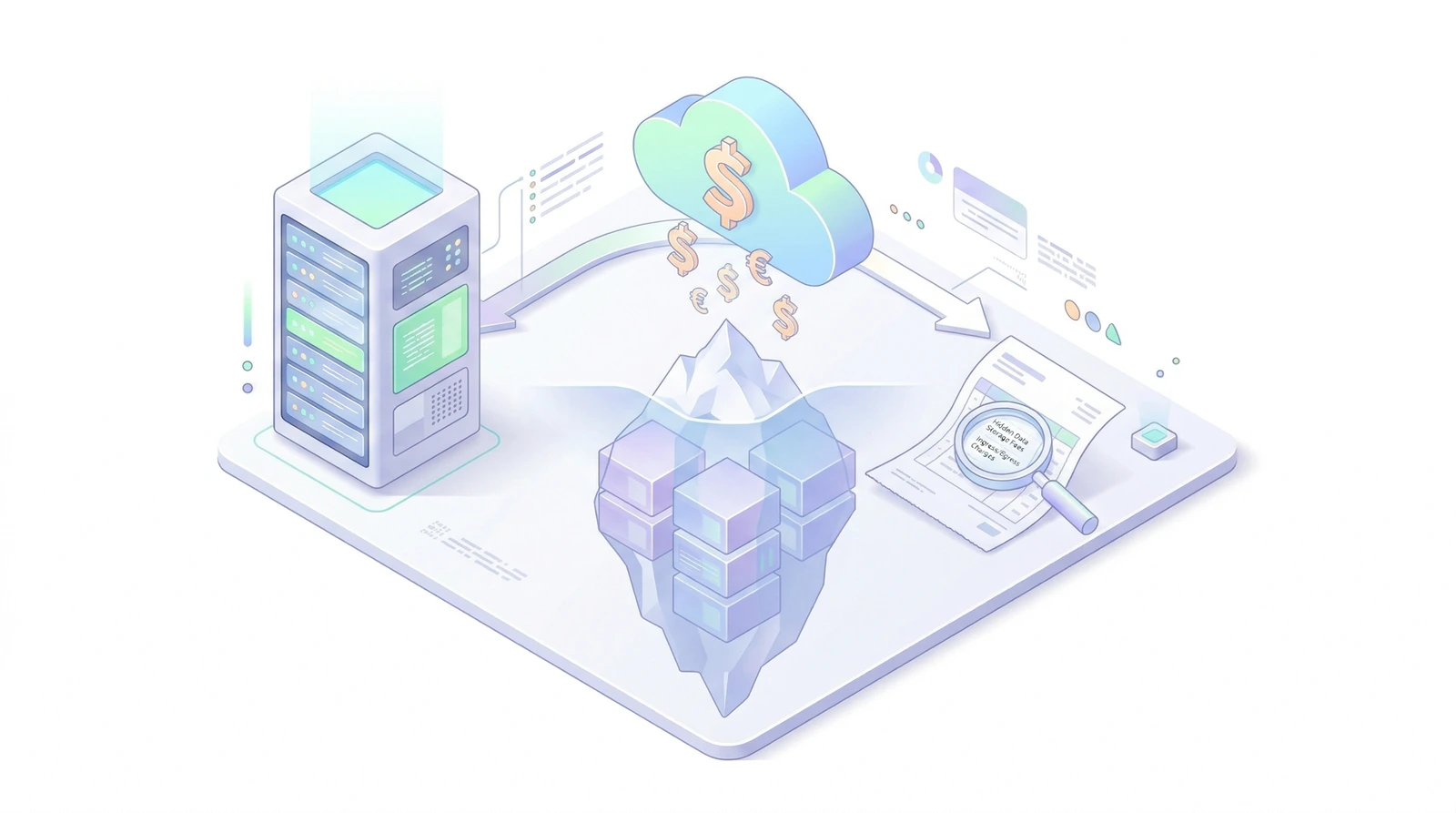
Bioinformatics leaders facing spiraling cloud costs can reclaim their budget by addressing the root causes of inefficiency: opaque storage tiers, unoptimized compute, and data movement fees.
- "Lift and shift" strategies often result in paying for idle capacity and expensive storage classes, sometimes inflating bills by 300%.
- Adopting spot instances, containerization, and intelligent S3 tiering can drive immediate cost reductions of 40-60%.
- Hidden costs like data egress and unoptimized algorithms ("code tax") are often overlooked but substantial.
- Bioinformatics infrastructure is a strategic asset; optimization frees up capital for more sequencing and deeper analysis.
The "Lift and Shift" Trap
Many biotech companies migrate to the cloud with the promise of scalability and cost savings. However, the reality often hits hard in the form of a monthly bill that far exceeds projections. The culprit is frequently the "lift and shift" approach—replicating on-premise infrastructure directly in the cloud without adapting to the cloud's unique cost models.
In a traditional data center, you pay for capacity whether you use it or not. In the cloud, you pay for what you provision. If you provision a high-memory instance (e.g., an AWS r5.12xlarge) for a job that only runs for an hour but leave it running for a week, you are burning cash. Similarly, treating object storage like a local hard drive leads to paying premium rates for data that is rarely accessed.
Real-World Scenario: The Idle Head Node
We recently audited a pipeline where a "master" node was kept running 24/7 to orchestrate jobs. It was an m5.4xlarge costing roughly $570/month. By moving to a serverless orchestration model (like AWS Batch or Google Cloud Life Sciences), that cost dropped to near zero, as the orchestration layer only spun up when jobs were submitted.
The Hidden Cost of Data Movement (Egress)
One of the most shocking line items on a cloud bill is often "Data Transfer Out." Cloud providers typically allow you to upload data for free (Ingress), but charge you to take it out (Egress).
If your workflow involves downloading processed BAM files to a local cluster for visualization or sharing large datasets with collaborators in a different region, you are triggering these fees. Downloading 100TB of data can easily cost over $9,000 in egress fees alone.
Actionable Insight: Keep compute next to the data. Use cloud-based visualization tools or virtual desktops (like AWS WorkSpaces) to view results without moving the underlying heavy files. If you must share data, use "Requester Pays" buckets so the recipient bears the transfer cost.
The Three Pillars of Cloud Cost Optimization
To tame the cloud cost beast, you need to shift your mindset from "renting servers" to "consuming resources." This involves three key strategies:
1. Master the Spot Market
Cloud providers like AWS, Google Cloud, and Azure offer "spot" or "preemptible" instances—spare compute capacity sold at a steep discount (often up to 90% off). The catch is that these instances can be reclaimed with short notice. For long-running, stateful applications, this is a dealbreaker. But for bioinformatics workflows, which are often batch-processed and checkpointed, it's a goldmine.
Actionable Insight: Configure your workflow managers (like Nextflow or Cromwell) to utilize spot instances for the bulk of your processing. Use the errorStrategy 'retry' directive in Nextflow to automatically resubmit jobs if they are preempted. Furthermore, define a list of compatible instance types so your scheduler isn't waiting for a specific (and potentially unavailable) instance family.
2. Intelligent Storage Tiering & Compression
Genomic data is heavy. Storing petabytes of FASTQ and BAM files on standard S3 or Blob Storage is financially unsustainable. However, not all data needs to be instantly accessible. Raw sequencing data from completed projects might not be touched for months or years.
Actionable Insight: Implement lifecycle policies that automatically move data to cooler storage tiers (like AWS S3 Glacier Deep Archive) after a set period of inactivity. The cost difference is dramatic—often $0.023/GB vs $0.00099/GB. Be aware, however, that deep archive tiers have retrieval times of 12-48 hours and minimum storage duration policies (e.g., 180 days). Additionally, convert BAM files to CRAM. Lossless CRAM files are typically 30-50% smaller than BAMs, instantly slashing your storage bill.
3. Containerization and Right-Sizing
Over-provisioning is a silent budget killer. Allocating a 64-core machine for a task that can only parallelize across 4 cores is wasteful. Containerization (using Docker or Singularity) allows you to package applications with their dependencies, ensuring consistency. More importantly, it enables granular resource requests.
Actionable Insight: Profile your pipelines using tools like Nextflow Tower or AWS CloudWatch. Understand the memory and CPU requirements of each step. If a tool typically uses 14GB of RAM, don't request a 64GB instance "just to be safe." Right-sizing requests allows the cloud scheduler to "bin pack" jobs efficiently, minimizing wasted capacity.
The "Code Tax": Unoptimized Algorithms
Sometimes the cost isn't in the infrastructure, but in the code itself. An unoptimized Python script that loads an entire VCF into memory instead of streaming it might require a high-memory instance costing $5/hour, whereas a stream-based approach could run on a $0.50/hour instance.
Using older versions of tools can also be costly. For example, newer versions of GATK or STAR often include performance optimizations that reduce runtime. A 20% reduction in runtime is a direct 20% reduction in compute cost.
Hypothetical Case Study: The $50k Mistake
Consider a mid-sized biotech processing 1,000 Whole Genome Sequences (WGS). Here is how optimization changes the financial picture:
| Cost Driver | Unoptimized (Lift & Shift) | Optimized (Cloud Native) | Savings |
|---|---|---|---|
| Compute | $30,000 (On-Demand instances) | $4,500 (Spot instances) | 85% |
| Storage (1 Year) | $27,600 (Standard S3, BAM) | $600 (Glacier Deep Archive, CRAM) | 98% |
| Data Egress | $5,000 (Downloading to local) | $100 (Cloud-based viz) | 98% |
| Total Cost | $62,600 | $5,200 | ~92% |
This isn't an exaggeration. We frequently see savings of this magnitude when moving from a naive implementation to a fully optimized, cloud-native architecture.
Strategic Impact: From Cost Center to Innovation Engine
Optimizing cloud infrastructure isn't just about saving money; it's about unlocking value. Every dollar saved on wasted compute is a dollar that can be reinvested in generating more data, hiring more talent, or licensing advanced analysis tools.
By treating bioinformatics infrastructure as a strategic component of your R&D engine, you transform it from a necessary evil into a competitive advantage. You gain the agility to scale up for massive cohorts without breaking the bank and the discipline to run lean during quieter periods.